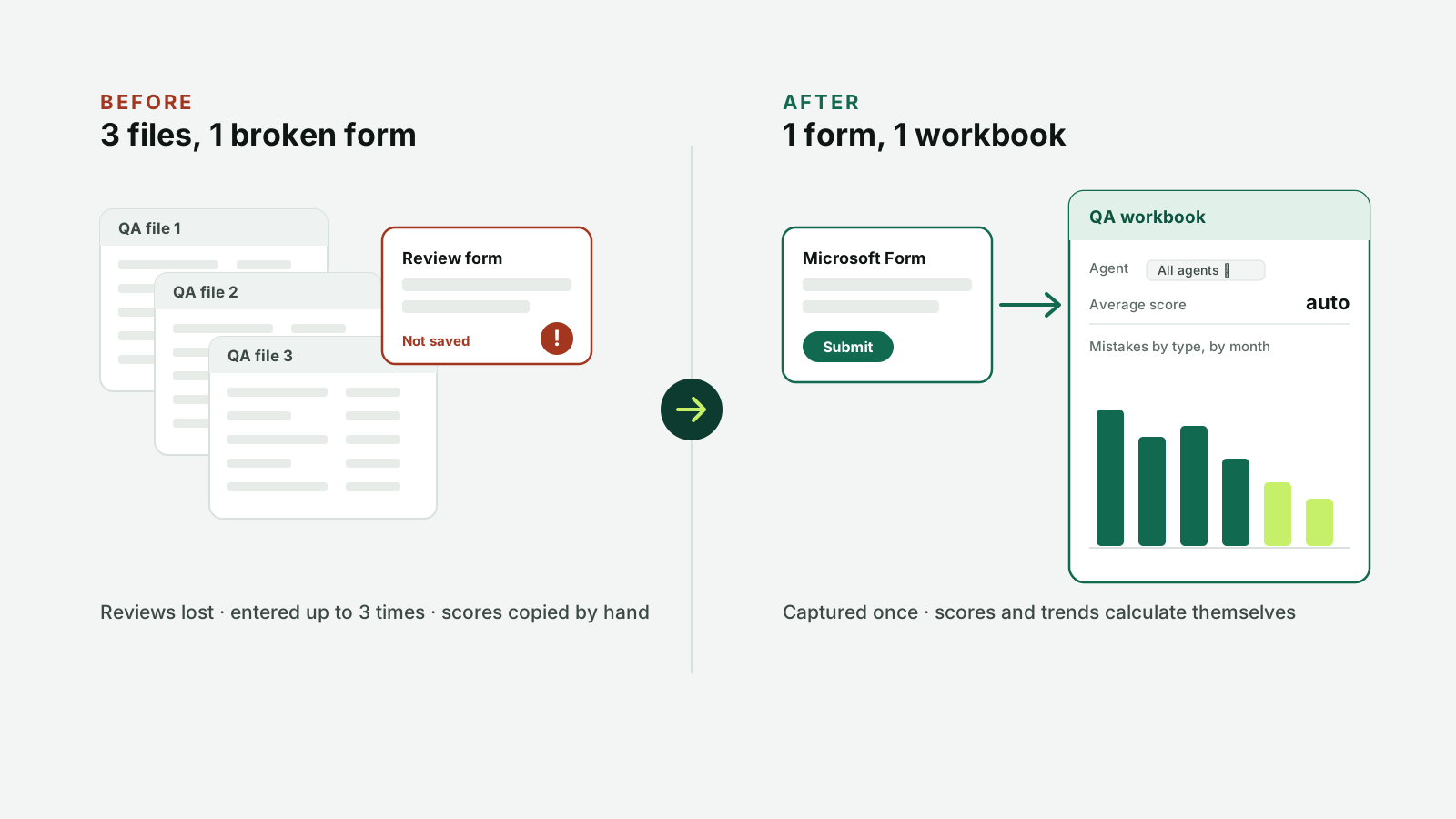
A Microsoft Forms and Excel system that replaced three QA tracking files and an unreliable form. Reviews are no longer lost, and each review takes about 15% less time.
Audience
QA specialists and team leaders
Format
Microsoft Form and one Excel workbook
My role
Diagnosis, design and build, on my own
Tools
Microsoft Forms, Excel
Problem
QA reviews were spread across three files and a form that often failed. Reviews were lost, and some had to be entered three times.
What I did
Proposed moving to Microsoft Forms and designed one Excel workbook where scores and statistics calculate automatically.
Result
About 15% less time per review, and no lost reviews after the switch.
01
The problem
Three separate files and a form that often failed.
Reviews were lost before reaching the master file; the same review sometimes had to be entered three times.
To prepare for coaching, team leaders searched several files and pasted eight reviews into each email.
There was no way to see which mistakes kept recurring.
02
Before and after
Before
After
Reviews lost; re-entered up to 3 times
Every review captured once
Scores copied by hand across 3 files
Scores calculate automatically
Coaching prep: find and paste 8 reviews
Filter by agent and month for the full history
No trend view
Mistake types tracked over time
03
Results
~15%less time per email review
0reviews lost after the switch
3 → 1files to maintain
How I measured it: I timed my own email reviews before and after the change. Before, each review was entered into three tables and the form needed regular fixes. After, each review was one form entry, and totals and statistics calculated automatically.
Hiring an instructional designer?
Email is the fastest way to reach me. I'm happy to walk you through any of these projects, including the parts that didn't go to plan.